
Sample Projects
Six scenes covering everything the Unity SDK does
The SDK ships six sample scenes. Each is a complete, working setup you can open, press Play on, and take apart.
Importing
- Open the
Package Managerwindow - Select the
Neocortex Unity SDKpackage - Open the
Samplestab and pressImportnext toNeocortex Samples
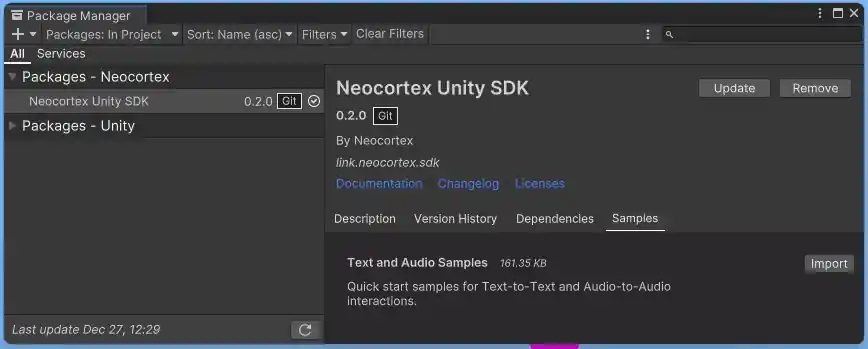
Set your API key in Tools > Neocortex > Settings first, then pick a character on each scene's Smart Agent from the dropdown.
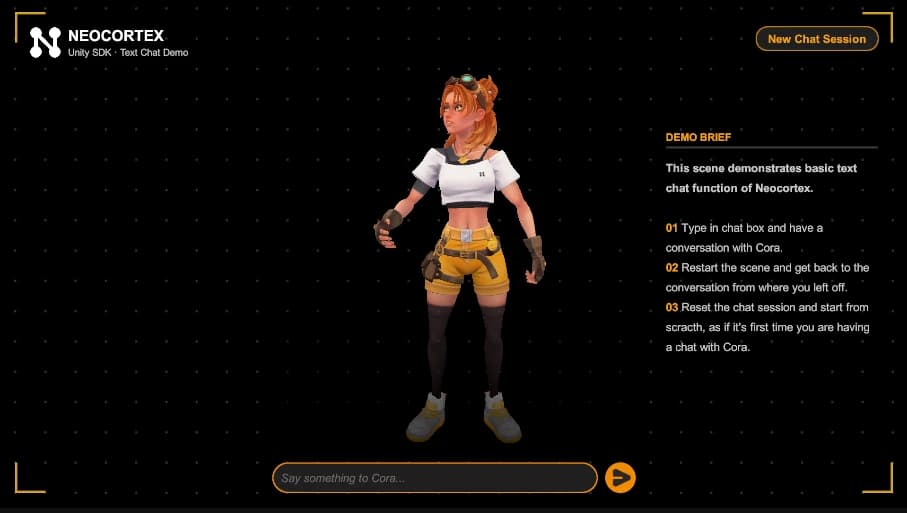
1 - Text Chat Demo
Typing to one character. Shows the chat panel, the text input, chat lines dropping in one at a time with the typing indicator between them, and idle, thinking and talking animation driven by the agent's events.
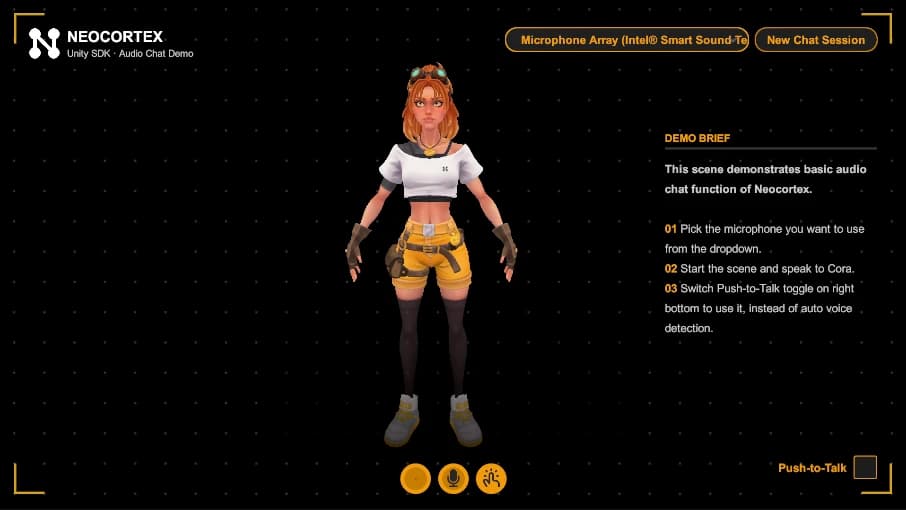
2 - Audio Chat Demo
The same conversation with voice in and voice out: the microphone, transcription, and a spoken reply. It also drives blendshape face animation from the reply audio, so the character's mouth matches what it says.
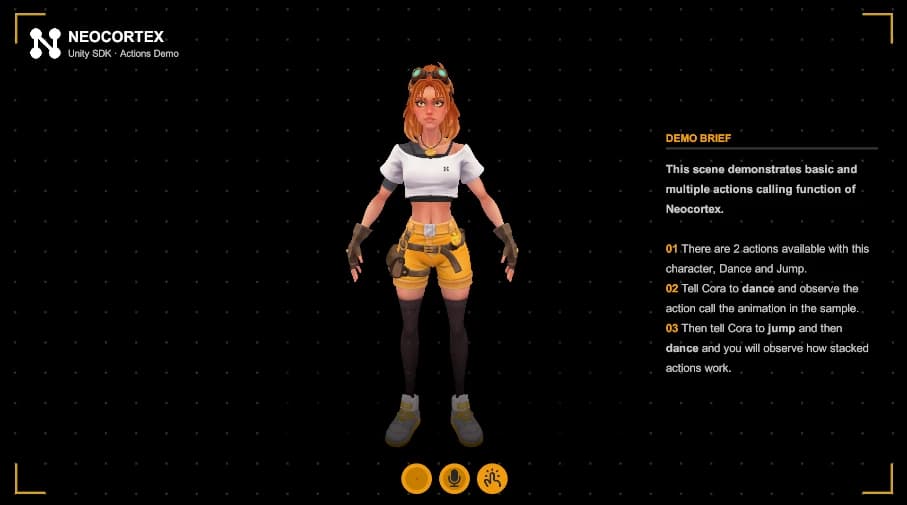
3 - Actions Demo
A character with DANCE and JUMP actions. Ask for one, or both in a sentence, and the agent plays them in order, each animation finishing before the next begins. See Actions.
4 - Interactables Demo
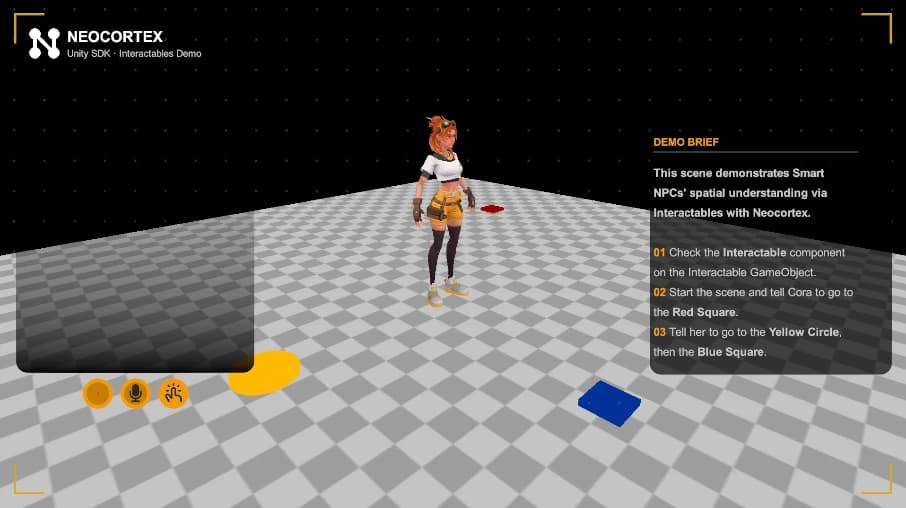
Coloured shapes carrying NeocortexInteractable.
Say go to the blue square and the character walks to the right one, because the action carries that cube's id.
Say go to the yellow circle, then the red one and it does both, in order.
5 - Group Chat Demo
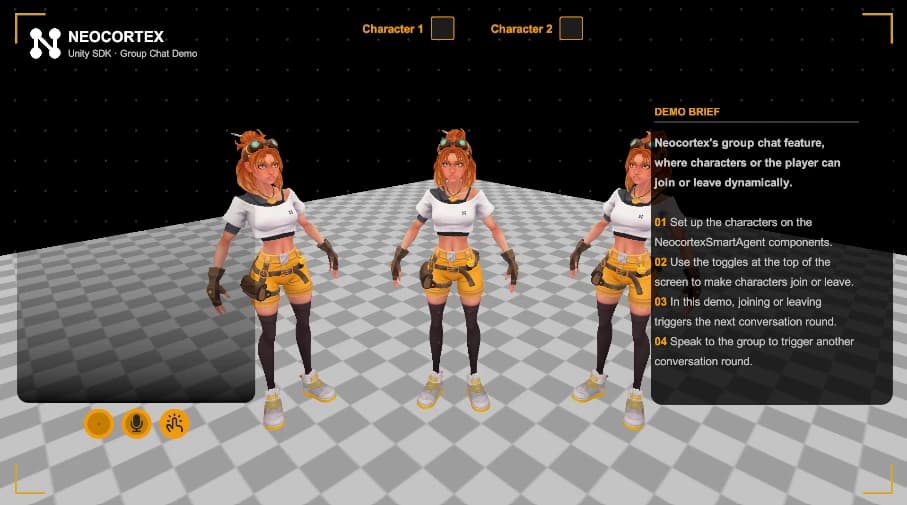
Several characters sharing one conversation through a NeocortexGroupDirector, with a living roster: a character waiting offstage walks in to join the conversation, and one at the table can leave and walk away. The cast greets the newcomer and carries on without whoever left.
6 - Usage Gating Demo
UsageGatingSample.cs prints your account, player and character limits on start, then gates messages on what is left with NeocortexUsageGate.
WebGL builds
Unity WebGL cannot use the standard microphone API, so voice input goes through the browser. The SDK generates a WebGL template at Assets/WebGLTemplates/Neocortex when it installs, and you select it in Project Settings > Player > Resolution and Presentation.
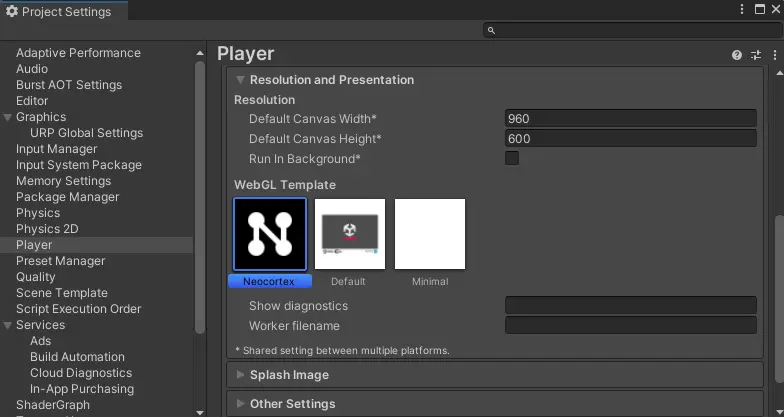
If the template is missing, regenerate it from Tools > Neocortex > Import WebGL Template.

The settings window also checks this for you on WebGL and offers a one click fix.