
Samples
Seven Neocortex Unreal SDK sample maps with text and voice chat, actions, interactables, group chat, usage gating and a quiz show for AI NPCs in Unreal Engine 5.
The plugin ships seven sample maps and a launcher, starring Cora, a 3D character with her own animations and lip sync. Each sample is a complete, working setup you can run and take apart. They live in Plugins/Neocortex/Content/Samples/Maps.
Everything a sample uses is in its map or next to it, ready to open and change:
- The scene: Cora and the other characters (
ANeocortexSampleCharacter, with their Smart Agent, voice, lip sync and animations as components), the camera, the shapes and the group seats are actors in the map. - The screen: each map has its Widget Blueprint next to it, named
WBP_plus the map name, such asWBP_1_TextChat. Open it in the UMG designer to see and change the frame, the brief, the chat and the buttons. The widgets draw themselves, so the designer shows the screen as it looks in game. Unreal draws screen UI over the game view, so it shows when you press Play, not in the level viewport. - The logic: a C++ actor per sample (
ANeocortexTextChatSampleand the others inSamples/NeocortexSamples.h) connects the screen to the characters by widget name.
Opening the launcher
Save your API key in the Neocortex window first, then press Open Samples at the bottom of it and press Play. You can also open the NeocortexSamples map yourself.
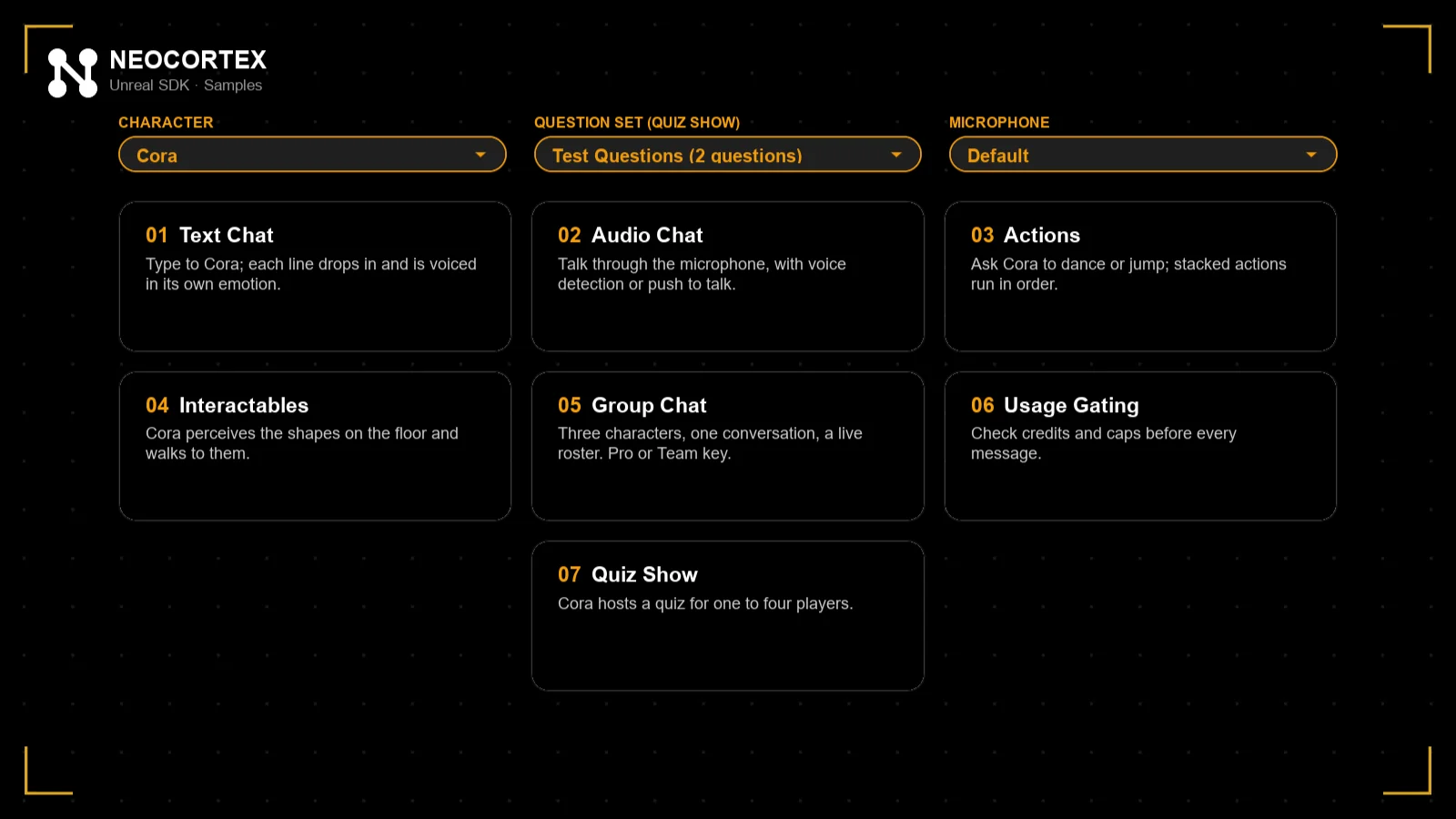
Above the sample cards, pick:
- Character: one of your characters. Every sample talks as it.
- Question set: the set the Quiz Show plays.
- Microphone: the input device for the voice samples.
Your picks are remembered between runs. Each screen has a demo brief on the right with the steps to try. Press Escape, or Back to Samples, to return to the launcher.
1. Text Chat
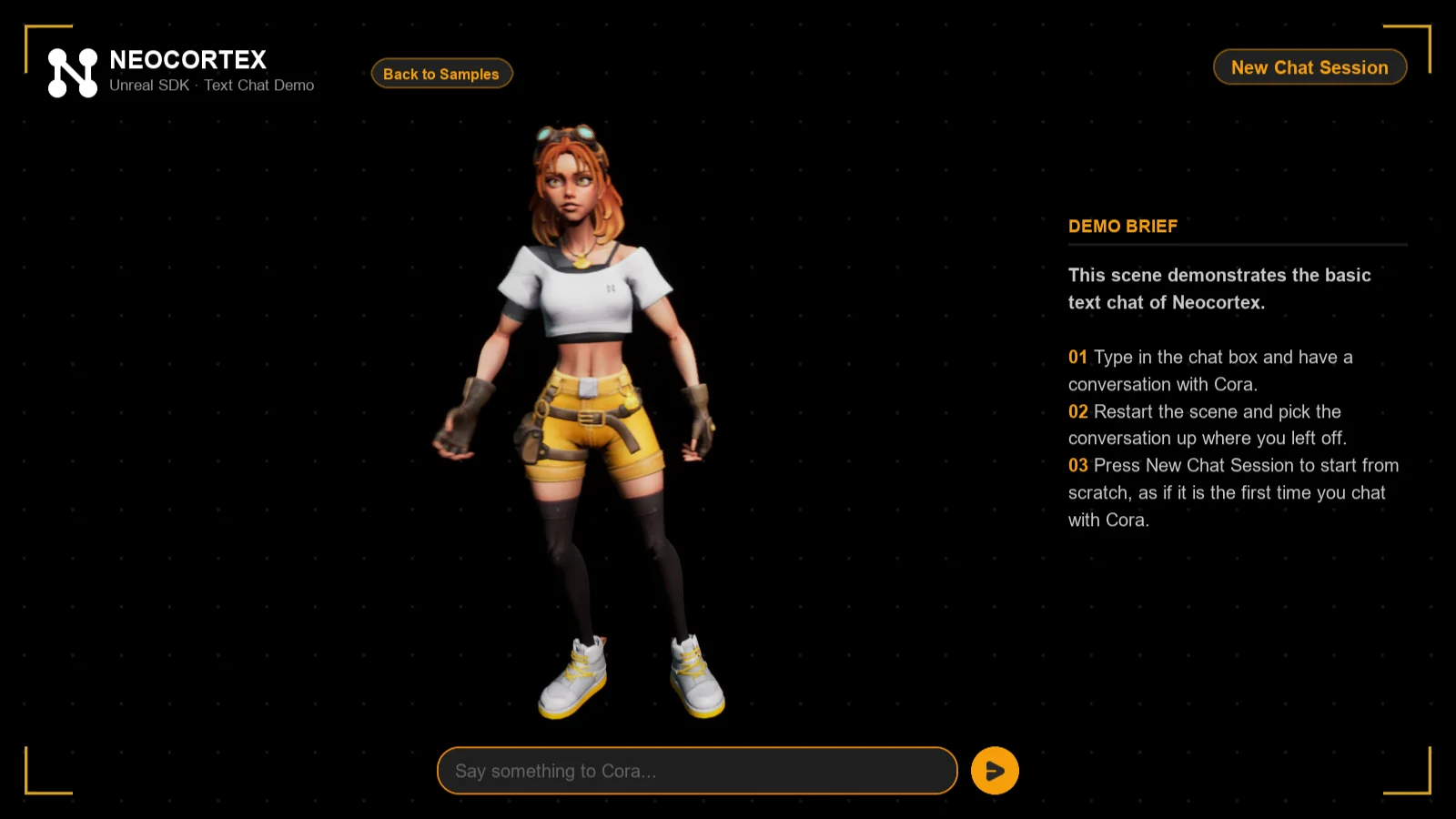
1_TextChat. Type to the character. Each line drops in as it is spoken, in its own emotion, with a typing bubble between lines. Cora thinks while the reply is on its way and talks while a line plays. Play the map again and the conversation picks up where it left off (bLoadHistoryOnStart). New Chat Session starts over.
2. Audio Chat
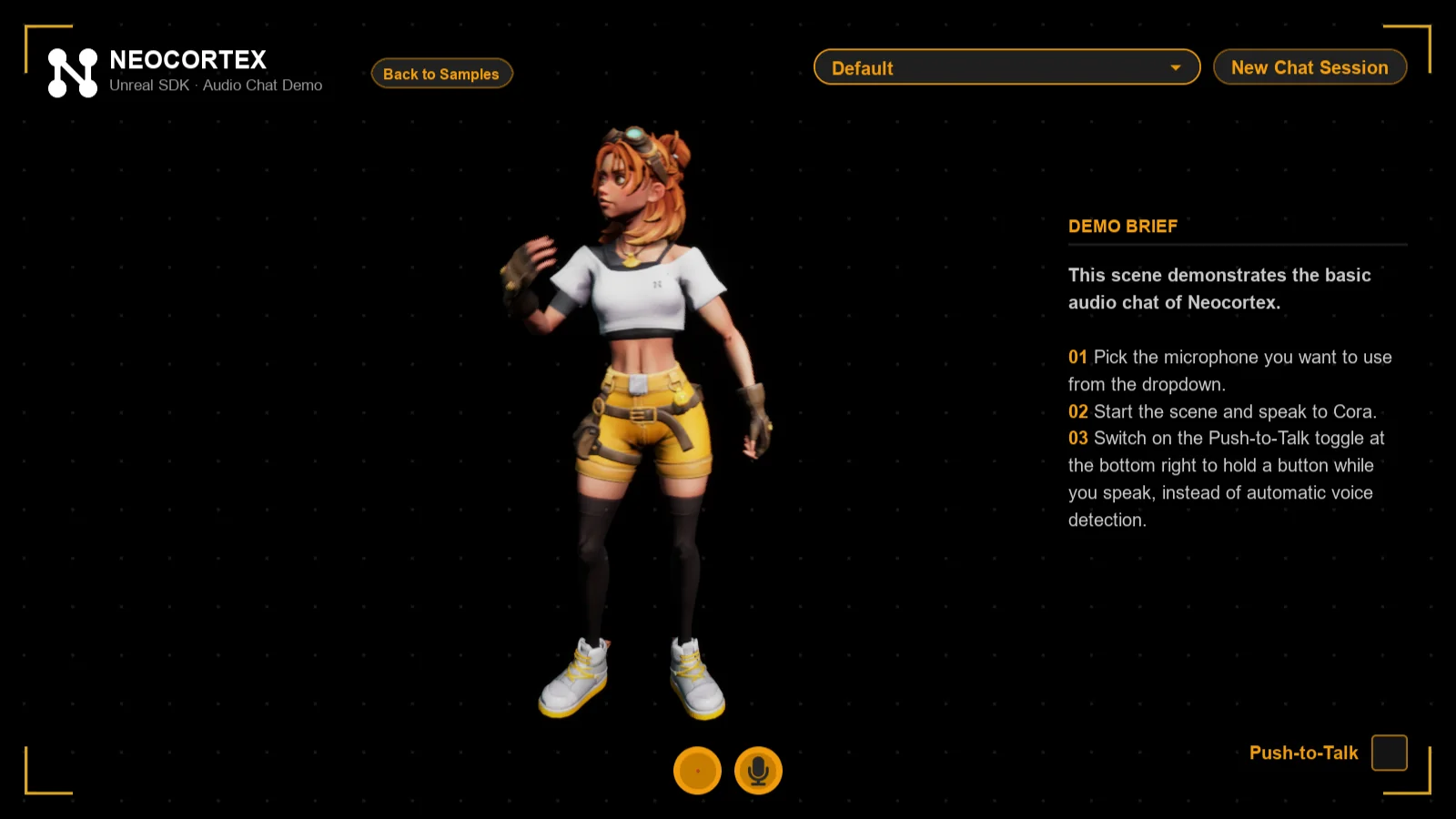
2_AudioChat. Talk through the microphone. The voice controls show your level, the silence countdown and when the character is answering. Switch on Push-to-Talk at the bottom right to hold a button while you speak instead.
3. Actions
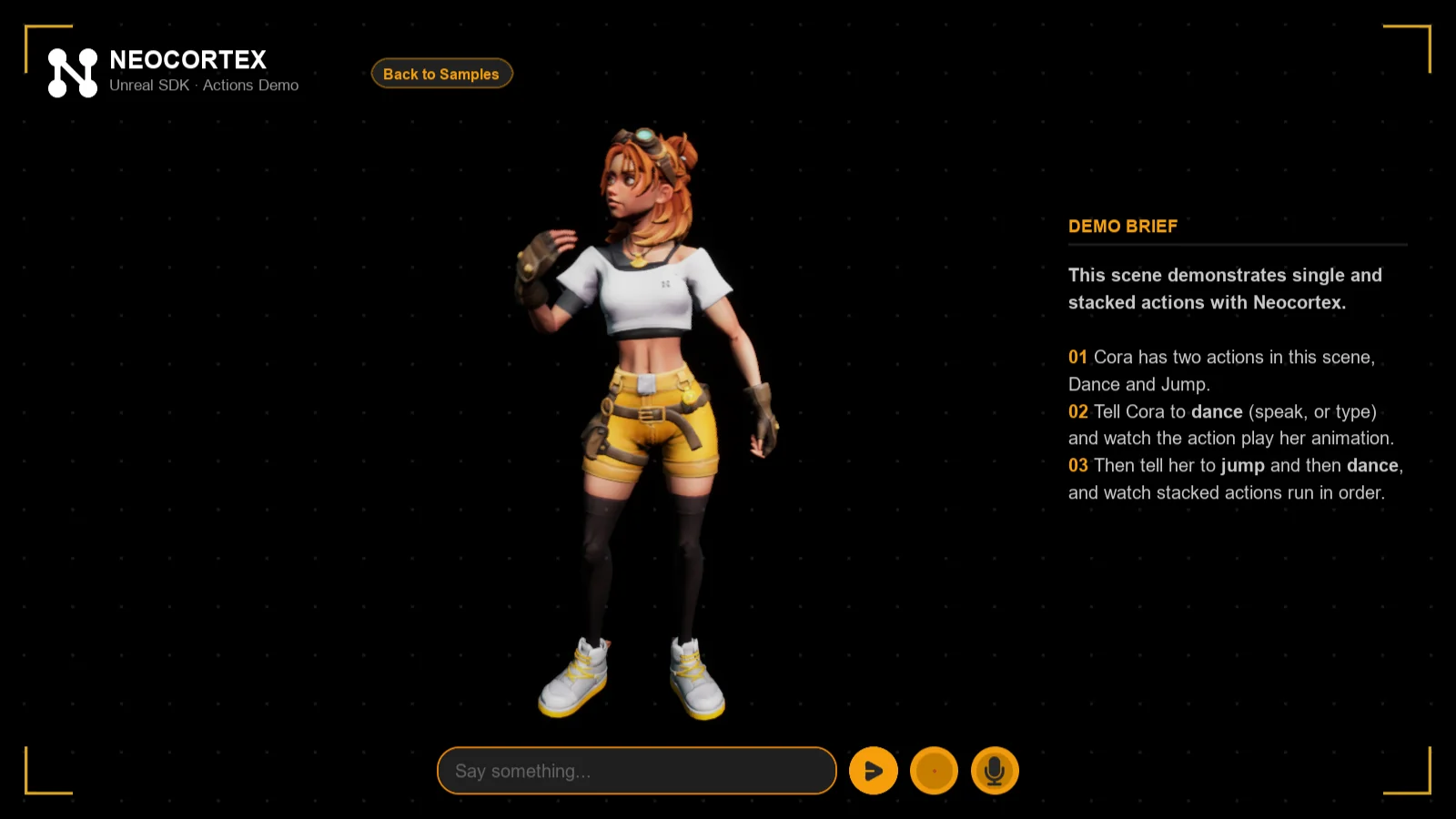
3_Actions. Ask Cora to dance or jump, by voice or in the text box. Ask for both in one sentence and she plays them in order, each animation finishing before the next starts. Set Delay Between Actions on the agent to add a pause between them. Add DANCE and JUMP actions to your character first. See Actions.
4. Interactables
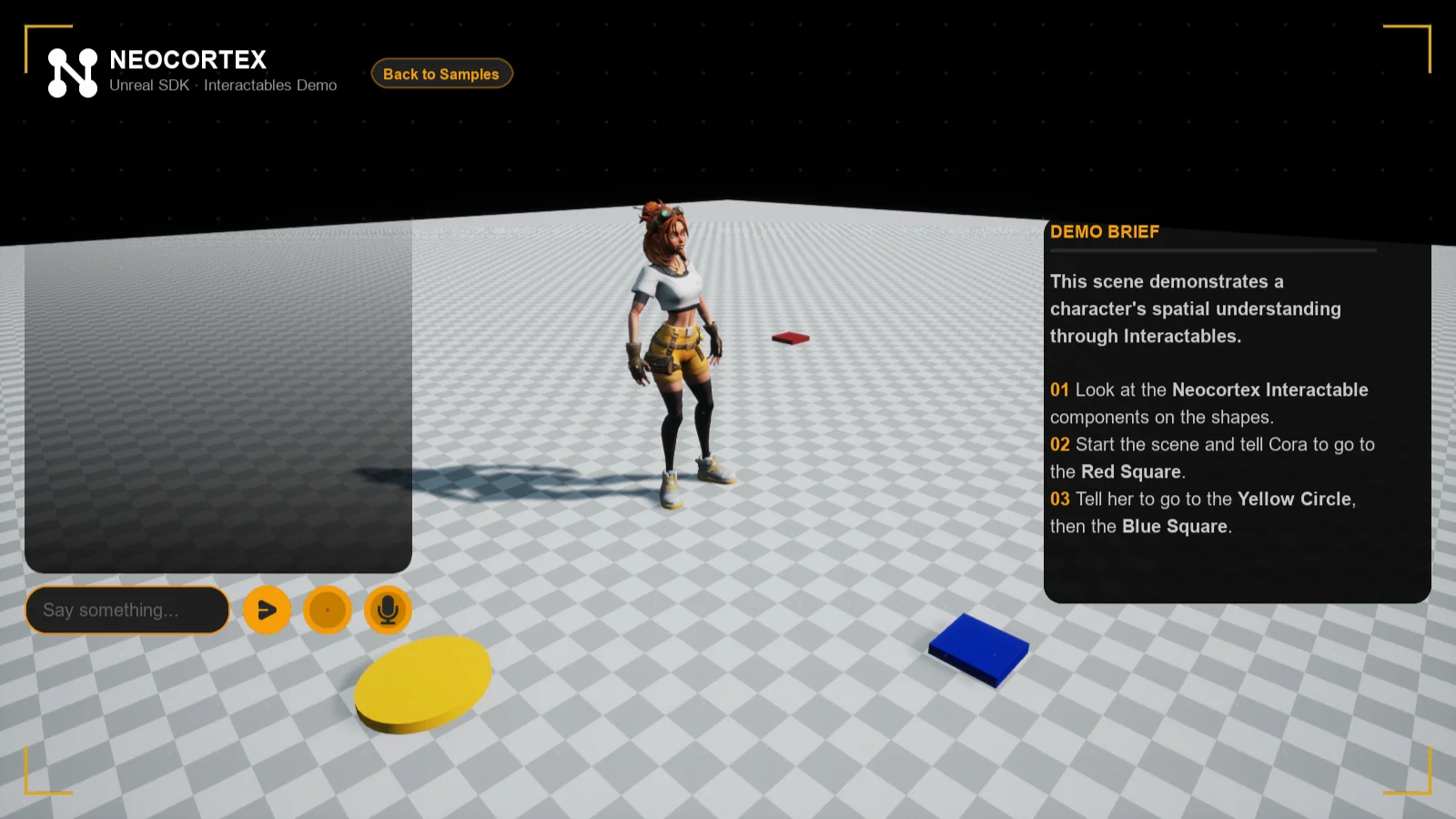
4_Interactables. Three shapes on the floor carry a Neocortex Interactable. Say "go to the blue square, then the red one" and Cora walks onto each in turn, because every GO_TO_LOCATION action carries the shape's id as its TargetId. Add a GO_TO_LOCATION action to your character first.
5. Group Chat
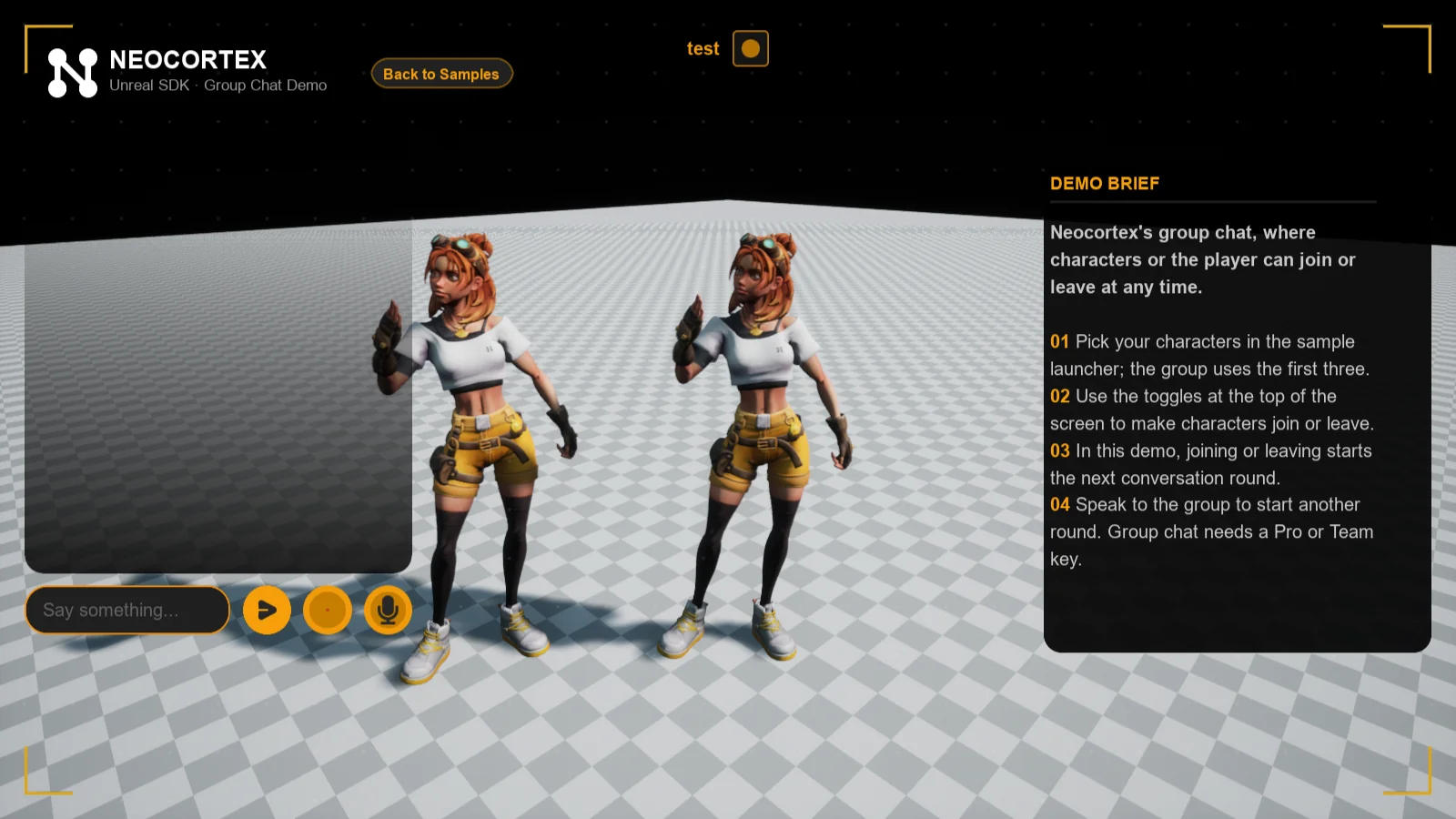
5_GroupChat. Up to three of your characters in one conversation through a Neocortex Group Director. The character picked in the launcher hosts, and the next two on your team join and leave with the toggles at the top. Every arrival and departure starts the next round, and the cast reacts to it. Needs a Pro or Team plan.
6. Usage Gating
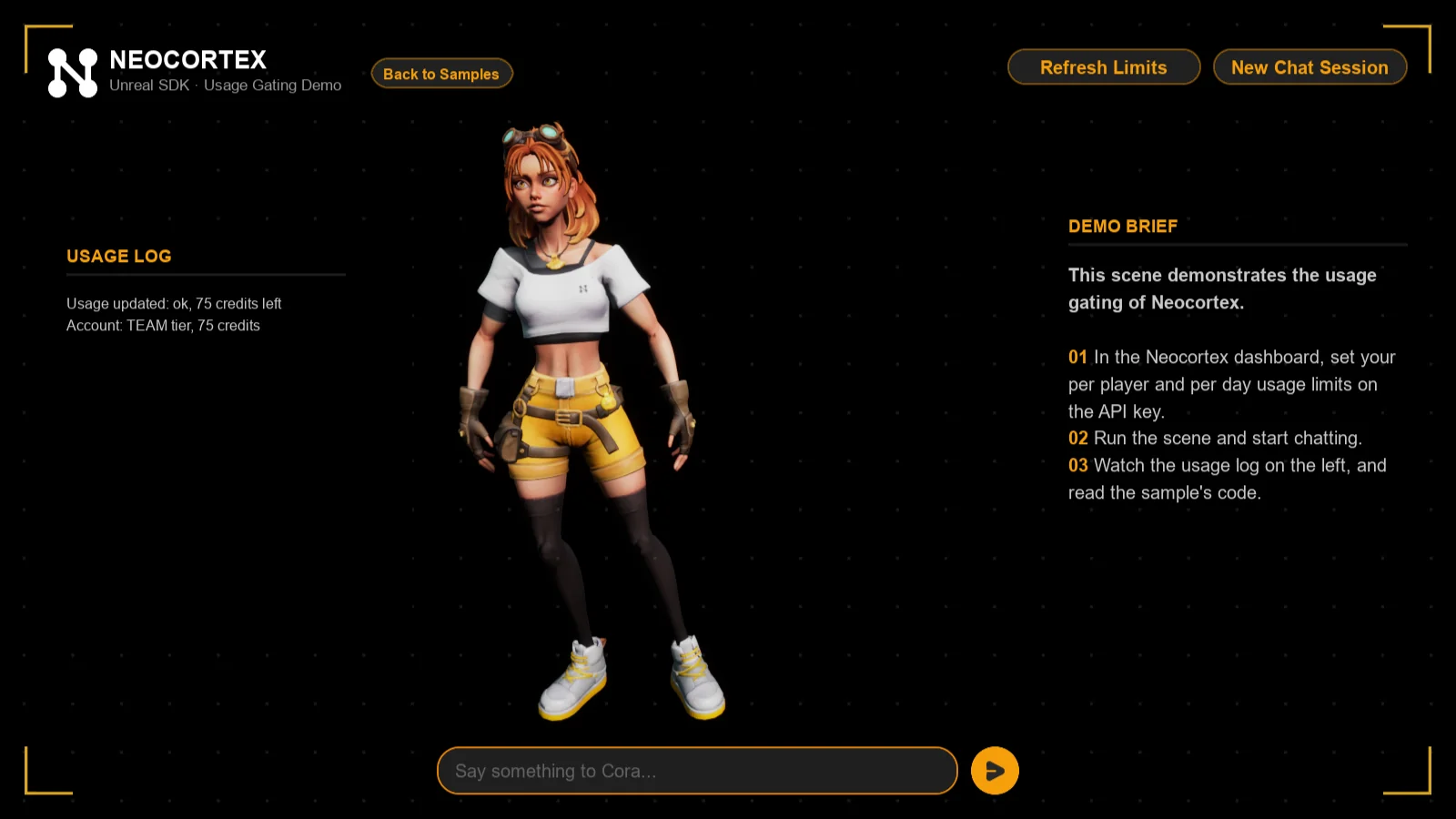
6_UsageGating. Before every message, a Neocortex Usage Gate checks your team's credits and the per-player and per-character limits, and only then lets the character answer. The usage log on the left shows your account, the usage and every gate event.
7. Quiz Show
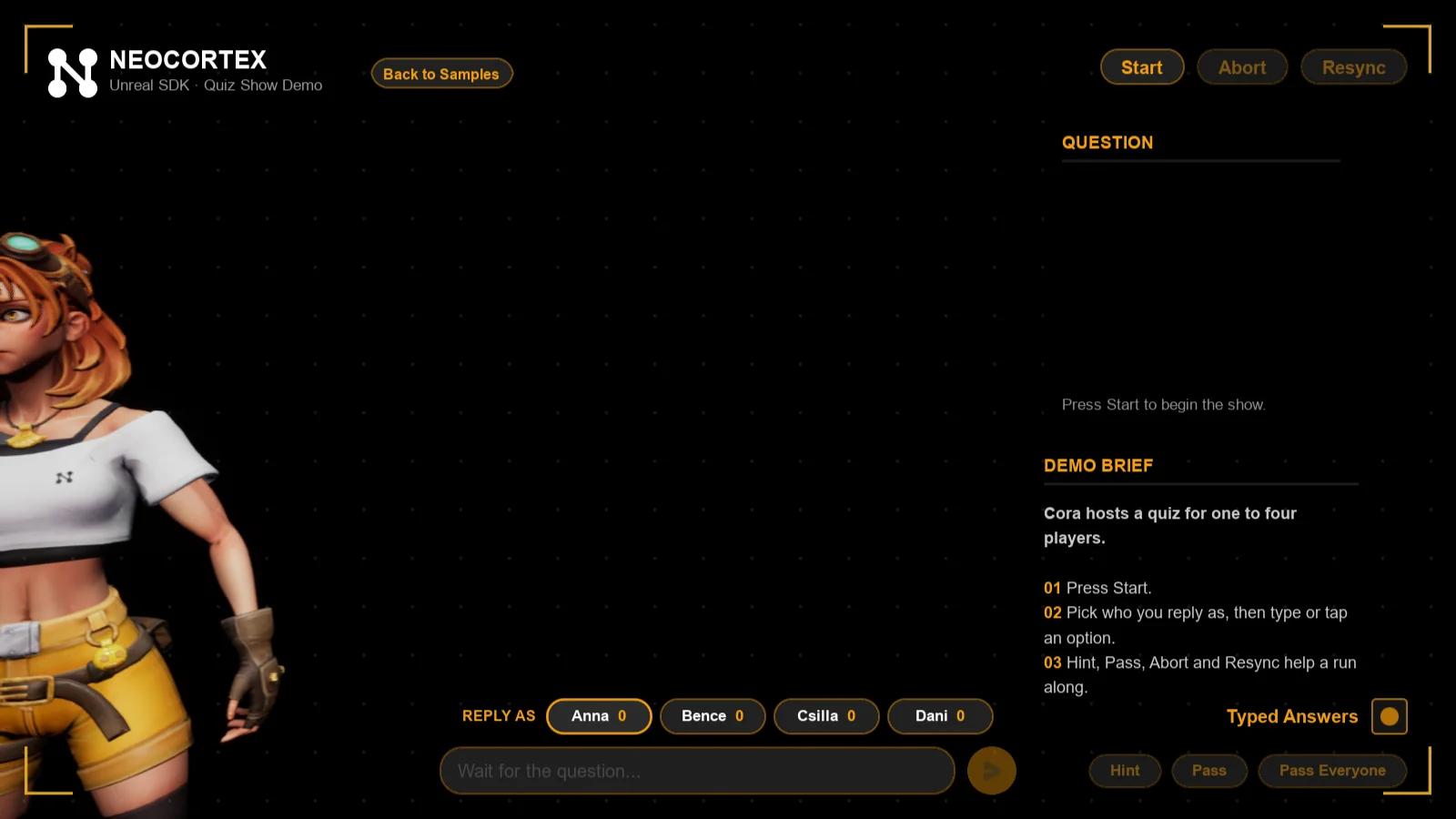
7_QuizShow. Cora hosts a quiz for one to four players from your question set. Press Start, pick who replies under the chat, then type an answer or tap an option. Hint, Pass and Pass Everyone are at the bottom right, and Abort and Resync show recovery. The question card shows the question, how far the run is and the scene keyword, and each player's chip shows their score. Needs a Team plan. See Quiz.
Editor Tools
The Neocortex window, Details panel pickers and sample tools in the Unreal Editor. Manage your API key, pick AI characters and question sets, and open the samples.
Group Chat
Put several AI characters in one conversation in Unreal Engine 5 with the Neocortex Group Director, each with its own voice, joining, leaving and talking to each other.